

Discover the essential video editing software for businesses in 2026: a selection of the best solutions, free or paid, integrating AI to create professional videos quickly and efficiently. This guide created by our video agency is designed to help professionals choose the tool that best suits their needs.
In the current context where the creation of video content has become a pillar of digital communication, businesses are looking for powerful solutions to easily produce professional content. Whether for presentation videos, training, tutorials or promotional videos, adopting the right video editing software allows you to create, edit, and optimize videos without depending entirely on external teams. With the progress of artificial intelligence (AI), some tools offer automation, intelligent suggestions, and assisted creation functionalities, further simplifying the edited by video agency for internal teams.
Why Businesses Need High-Performance Video Editing Software
Video is one of the most consumed content formats today. Internet users watch videos on social networks, on corporate sites or in newsletters. For a company, know create videos attractive and professional is essential for:
- improve audience engagement,
- strengthen brand awareness,
- present a product or solution in a more immersive way
- generate qualified leads through educational content.
One video editing software efficient makes it possible to meet these challenges while offering visual and sound quality adapted to internal or external uses. Thanks to advanced functionalities, it is possible to integrate transitions, of effects, of animated text, to synchronize theaudio, and even to use AI tools to automate time-consuming editing steps.
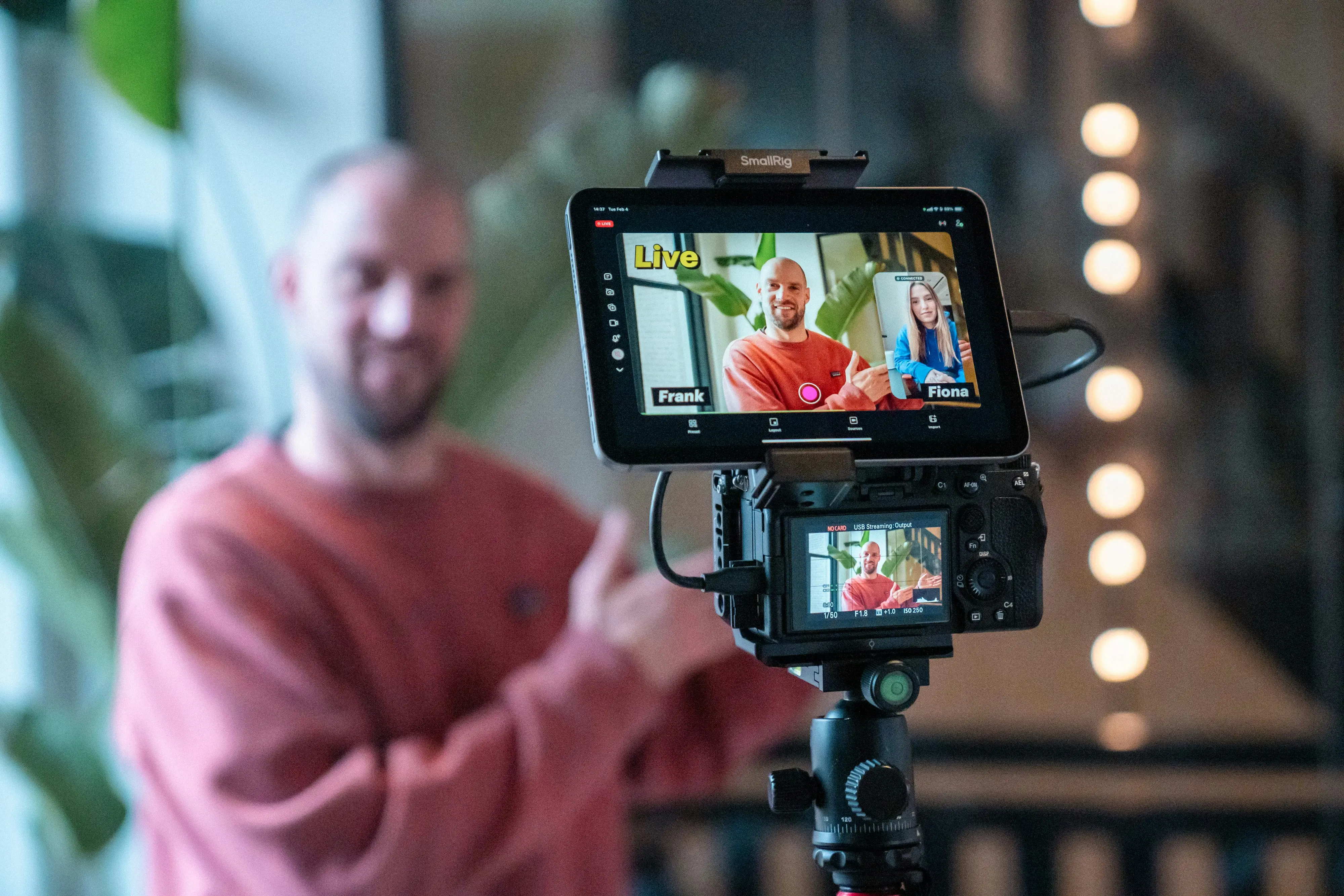
What are the criteria for choosing editing software?
Choosing a suitable tool requires taking into account several elements:
- Ease of use : an intuitive interface speeds up handling and allows your teams to create videos without heavy training.
- Advanced features : custom transitions, built-in audio editing, support for multiple video formats, color correction.
- AI support : automation of repetitive tasks, editing suggestions, generation of automatic subtitles.
- Supported formats : compatible with various output formats (MP4, MOV, AVI, etc.).
- Online collaboration : possibility of working with several people on the same project, backup in the cloud.
- Pricing : free, freemium or paid options depending on needs and budget.
These criteria make it possible to distinguish tools adapted to small internal projects from those capable of managing more complex productions or intended for an external audience.
The rise of online video editing tools
Online video editors represent an attractive solution for businesses that want to avoid software installations and benefit from an interface that can be accessed from any device connected to the Internet. These tools make it possible to create online videos in a few clicks, often based on predefined templates or thanks to AI suggestions. They also allow smooth collaboration within geographically distributed teams or while working from home.
Thanks to integrated libraries, it is possible to add video or audio files, images, graphics and manage editing collaboratively. One of the benefits of online solutions is the ability toexport videos easily for social networks, training platforms or websites.
Comparison of the best video editing software for business
Here is a clear text comparison to choose the most suitable tool:
Adobe Premiere Pro
Free version: No
Integrated AI: Yes
Collaboration: Yes
Ideal for: Advanced professionals
DaVinci Resolve
Free version: Yes
Integrated AI: Partial
Collaboration: Yes
Ideal for: Professional use on a limited budget
Final Cut Pro
Free version: No
Integrated AI: Yes
Collaboration: Medium
Best for: Discerning Apple Users
Veed.io
Free version: Yes
Integrated AI: Yes
Collaboration: Yes
Best for: Marketing teams
CapCut
Free version: Yes
Integrated AI: Yes
Collaboration: No
Best for: Quick social videos
Filmora
Free version: Limited version
Integrated AI: Yes
Collaboration: Yes
Ideal for: SMEs looking for simplicity and efficiency
InVideo
Free version: Yes
Integrated AI: Yes
Collaboration: Yes
Best for: Express video creation
Shotcut
Free version: Yes
Integrated AI: No
Collaboration: No
Best for: Businesses with no budget
Canva Video
Free version: Yes
Integrated AI: Yes
Collaboration: Yes
Ideal for: Visual marketing communication
Clipchamp
Free version: Yes
Integrated AI: Yes
Collaboration: Yes
Ideal for: Quick internal clips
What is the best free software for professional use?
Among the free options, DaVinci Resolve is often considered to be the most robust solution for professional use. It offers advanced editing features, powerful color correction, and compatibility with various file formats. For simpler content or short videos for social networks, CapCut, Shotcut or Canva Video are interesting alternatives that are easy to learn and offer convincing visual results without a subscription.
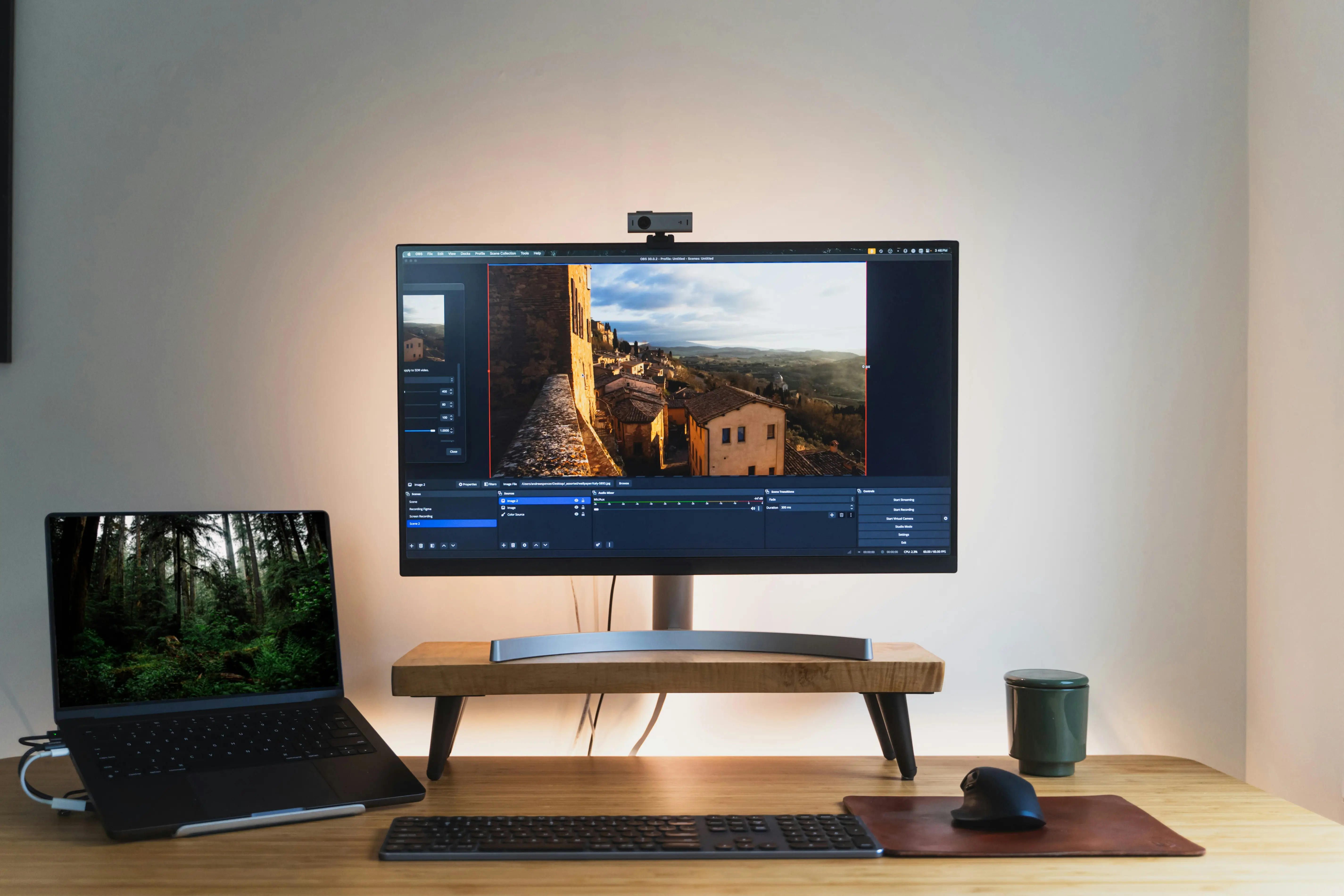
What software integrates AI for video editing?
Integrating AI into editing software makes it possible to automate repetitive tasks, such as intelligently cutting sequences, creating automatic subtitles, suggesting transitions, or even generating videos from a script. Tools like Veed.io, CapCut, Lumen5 or Descript use these technologies to simplify the work of teams while improving the quality of the final result.
Creating online videos: benefits for businesses
Online video editing platforms offer significant flexibility: they allow you to work from any device, without locally installed software, and often offer collaborative tools. This makes it easy to share projects, review in real time, and save to the cloud, which is especially useful for distributed or remote teams.
Essential features for a good video editor
A good video editor should offer:
- One intuitive timeline To organize the clips
- Of customizable transitions
- Tools ofaudio and video editing
- Of visual effects and filters
- The possibility of adding animated text
- Easy management of video and audio formats
These functionalities make it possible to produce videos that are both informative, aesthetic and adapted to the various distribution channels (social networks, website, internal training, etc.).
The limitations of free video editing software
While free editing software is an attractive entry point, it also has some limitations that should be anticipated. Free versions often impose restrictions: presence of watermarks, export limited to certain resolutions, restricted access to media libraries or advanced effects.
In business, these constraints can impact the perceived quality of your content. For example, an online video with a watermark can damage the credibility of an institutional or marketing message. Likewise, the absence of certain functionalities — such as the support of professional video formats, the management of multi-track audio, or the integration of animations — can slow down production.
For one-time use or simple internal projects, a free video editor may suffice. But for a long-term content strategy, it's better to invest in a premium version or opt for a more robust tool.
Collaborative editing: working with several people on a video project
With the rise of remote working and decentralized teams, collaborative video editing has become a major challenge for businesses. Many online video editors now incorporate collaboration features: real-time comments, versioning, user roles, cloud synchronization...
Platforms like Frame.io, WeVideo or Canva Video allow several collaborators to create videos together, exchange feedback directly on the timeline, or validate sequences remotely. This model is gradually becoming a standard, facilitating the production of rich content without endless back-and-forth by email.
The ability to easily share video files,edit from your device and accessing all online formats saves valuable time for marketing, HR or training teams. It is also an excellent lever for streamlining communication between agencies and customers.
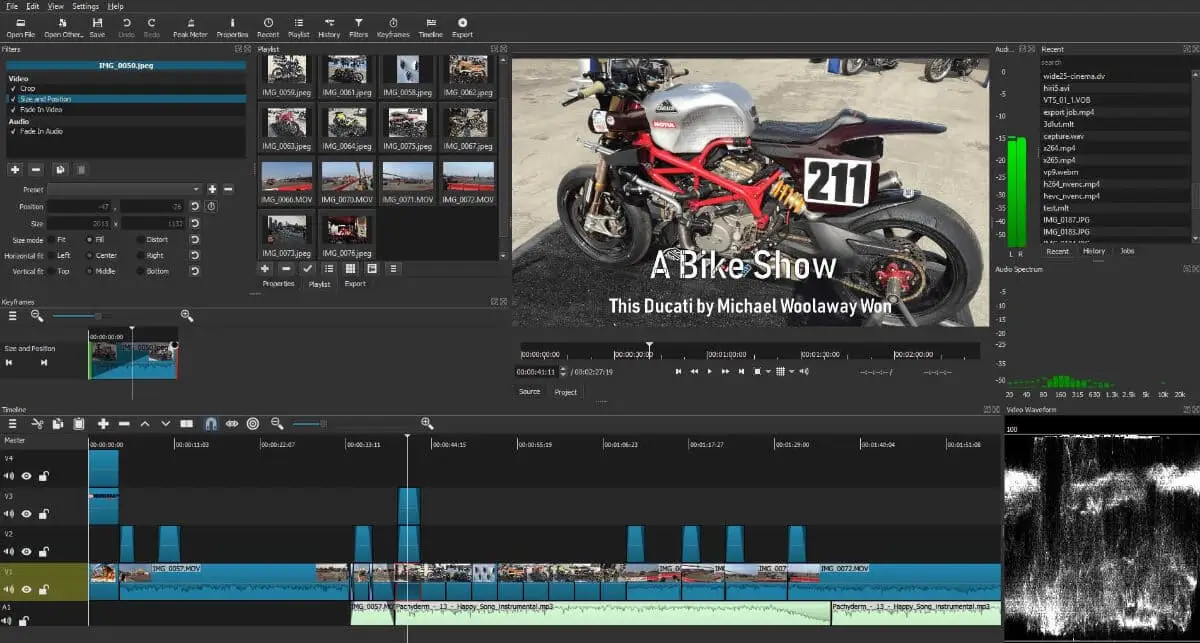
The importance of the right video format according to your distribution channels
A video for YouTube is not designed as a LinkedIn video or an internal advertising spot. Each channel has its requirements in terms of duration, format, quality and subtitling. That is why it is crucial to choose a video editing software able to easily adapt your exports.
A good tool should offer predefined templates for social networks, allow you to add subtitles in one click (manually or via AI), adjust resolutions (720p, 1080p, 4K), and manage video formats compatible with each platform (MP4, MOV, WebM...).
By anticipating the specific needs of each channel, you guarantee optimal user experience and increase the reach of your messages. This requires having a video editor that offers all features necessary, without burdening the creation process.
Tips for getting started: how to use editing software
To get started with editing software:
- Import your clips and audio files in the project
- Arrange items on the Timeline
- Add transitions and titles
- Adjust the Sound and audio levels
- Regularly view the rendering to refine the montages
- Export video in the desired format (MP4, MOV...)
By following these steps, even a beginner can produce professional-quality videos in a short amount of time.
FAQ — Frequently asked questions
What is the best free video editing software for business?
Among the free solutions, DaVinci Resolve stands out for its professional level, while CapCut is more suitable for short formats and quick publications.
Is it possible to do professional video editing without technical skills?
Yes, thanks to tools that integrate AI and predefined templates, like Canva Video or Veed.io, it is possible to create engaging videos even without technical expertise.
Do I need a very powerful computer?
Not always. Online video editing solutions, like Clipchamp or Canva, work effectively even on less powerful devices because the processing is often done in the cloud.
Installed software generally offers more power and control, while an online tool focuses on ease of use, instant access, and real-time collaboration.
What video formats should I use for online publishing?
The MP4 format is widely compatible with most platforms and devices. In terms of resolution, HD (1080p) remains a good standard for most uses.